Employee monitoring software has become a go-to solution for businesses managing remote, hybrid, and in-office teams.
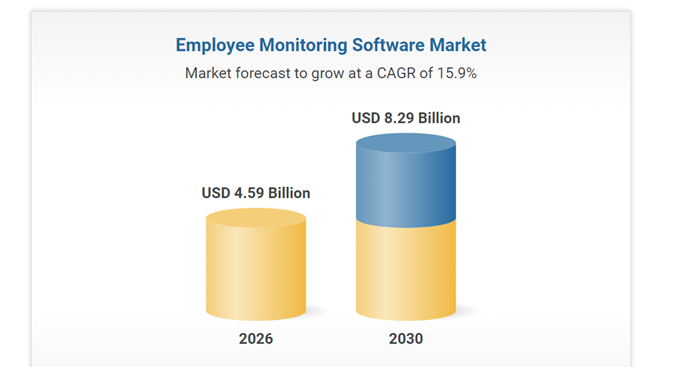
In fact, the global employee monitoring market is expected to reach $8.29 billion by 2030, showing that more companies are investing in tools to improve productivity and manage their workforce.
But finding an affordable tool isn’t always easy.
Many comparison articles list dozens of options but don’t clearly show the pricing. Some even ask you to book a demo before you can see how much the software actually costs.
That’s why we created this guide. Every remote employee monitoring software on this list offers a publicly available plan for under $10 per user, per month.
Also, we compared their pricing, features, pros, and cons to help you find the best value without spending hours researching.
As we all know, finding affordable remote employee monitoring software isn’t as easy as it should be.
Most comparison articles list dozens of tools but leave out the pricing until you’re halfway through booking a demo. That makes it hard to know which options actually fit your budget.
To help you out we have listed 4 best that have a publicly available plan that costs less than $10 per user, per month.
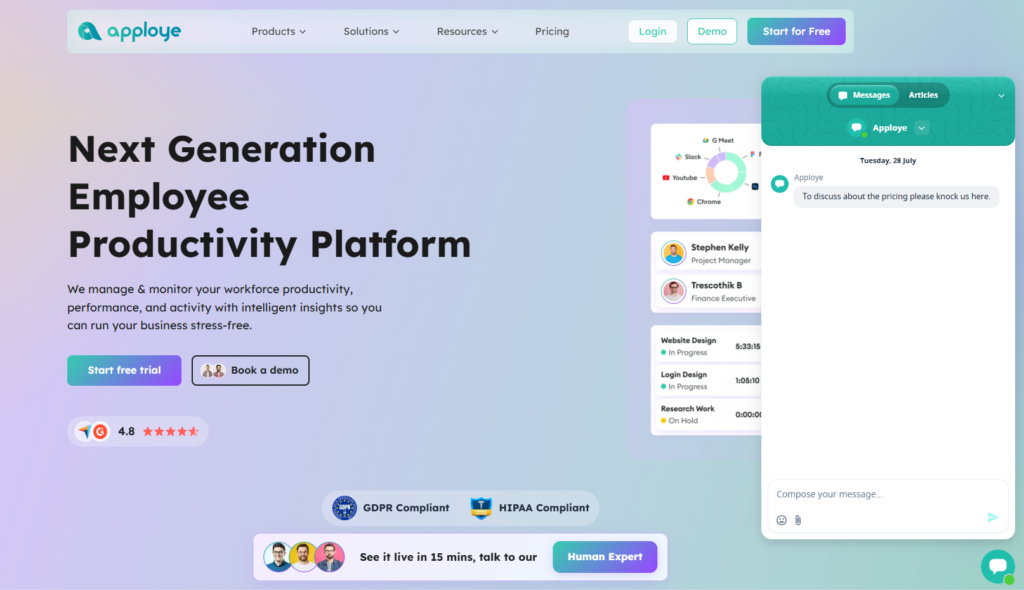
Price: $4.50/user/month (Elite plan, billed annually) | Free plan for up to 10 users
If you want a complete remote employee monitoring tool without spending a lot, Apploye is one of the best options available.
Even though it’s one of the lowest-priced tools on this list, it includes almost all the features remote & hybrid teams need. Moreover, they have published tons of updates recently focusing on remote team monitoring. That makes their features updated and advanced than their competitors like Hubstaff, Time Doctor and Activtrak.
Here, you’ll get screenshot monitoring, app and website tracking, automatic timesheets, payroll, and client invoicing in one platform.
That means you don’t have to pay for separate tools as your team grows.
Well, this makes Apploye a great fit for remote teams, agencies, call centers, and service businesses that bill clients by the hour.
Best for: Call centers, remote agencies, law firms, dental & medical VA agencies, e-commerece agencies, BPOs and small-to-mid teams that want monitoring, payroll, and invoicing in one place without paying enterprise pricing.
Apploye is also a great fit as a mac employee monitoring software.
| Good Thing About it | You May Ignore |
|
|
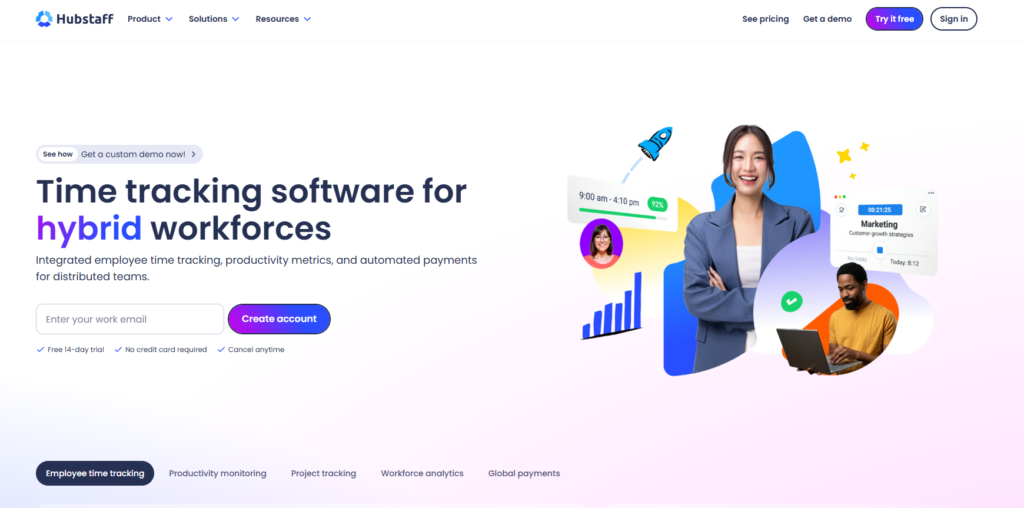
Price: $4.99/user/month (Starter plan)
Hubstaff has been around for years and is one of the best-known employee monitoring tools on the market.
The Starter plan covers time tracking and activity monitoring, but many advanced monitoring features are only available in higher plans.
Still, if your business already uses popular project management tools, Hubstaff’s large integration library can be a big advantage.
Best for: Teams that already use a lot of other business software and want an established tool with wide integration support.
| Good Thing About it | You May Ignore |
|
|
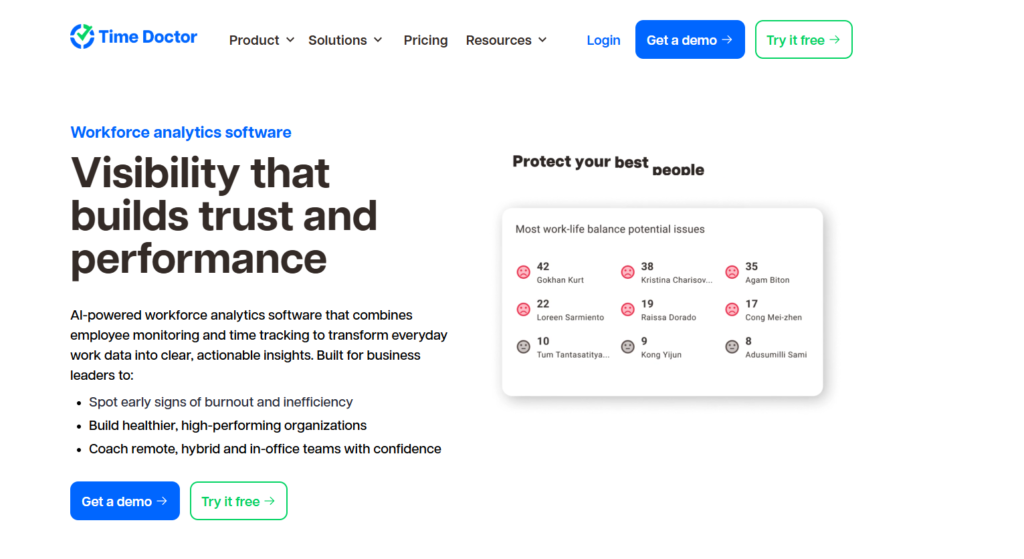
Price: $6.70/user/month
Time Doctor focuses on giving managers detailed reports instead of just basic screenshots.
If you need detailed work history, project reports, and employee activity records, it offers more insights than many tools in this price range.
It’s especially useful for agencies and businesses that need accurate records for client billing.
Best for: Managers who want deep, detailed reporting on individual worked hours and want to justify billing accuracy to clients.
| Good Thing About it | You May Ignore |
|
|
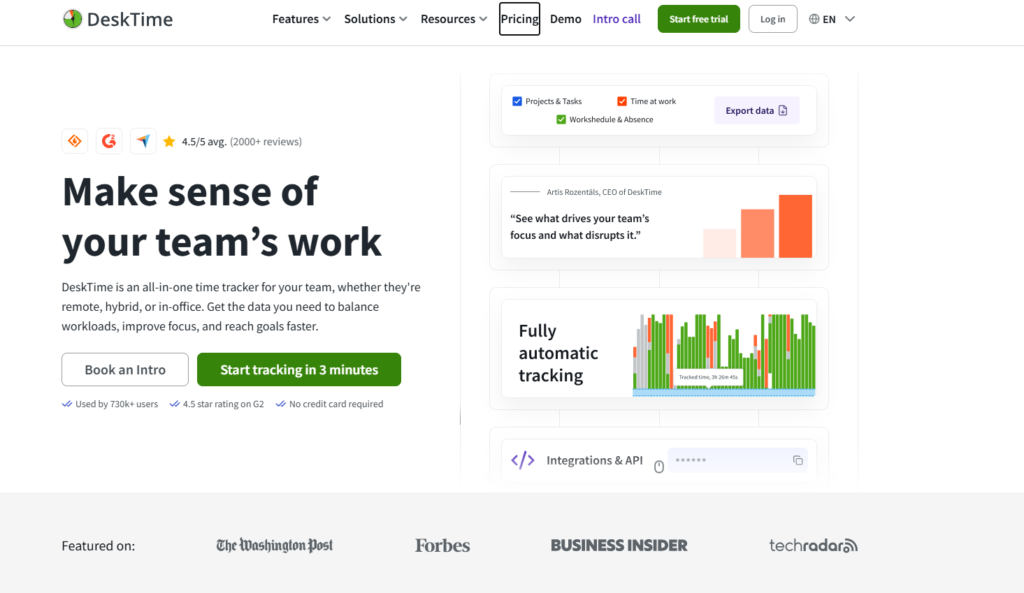
Price: $6.42/user/month (annual billing)
DeskTime is built for teams that don’t want to remember to start and stop timers.
It automatically tracks work in the background, making time tracking much easier for employees. This simple feature can improve time accuracy without requiring extra effort from your team.
Best for: Teams that struggle with manual timer discipline and want tracking to happen automatically in the background.
| Good Thing About it | You May Ignore |
|
|
| Software | Starting Price | Free Plan | Best For |
| Apploye | $4.50 | Yes (10 users) | Best overall value |
| Hubstaff | $4.99 | No | Integrations and brand reputation |
| Time Doctor | $6.70 | No | Detailed productivity reporting |
| DeskTime | $6.42 | No | Automatic time tracking |
Honestly, for most small and mid-sized businesses, Apploye is the best choice for remote & hybrid teams because it gives you the most relevant features for the lowest price.
At $4.50 per user per month (billed annually), Apploye costs less than most competitors while still including the features that teams actually use every day:
However, the biggest advantage is that everything is included in one platform. Many other tools charge extra for payroll, invoicing, or advanced monitoring features.
With Apploye, you do not need to buy separate tools as your team grows, which saves both money and time.
Another reason Apploye stands out is its free plan for up to 10 users. Unlike tools that only offer a short trial, Apploye lets small teams use the software long term before committing to a paid plan.
So, if you need affordable employee monitoring software that covers both productivity tracking and business operations without adding extra subscriptions, Apploye delivers the best overall value.
Actually, being affordable doesn’t have to mean giving up important features.
The tools on this list show that you can get employee monitoring, screenshots, activity tracking, and useful reports without paying high enterprise prices.
If you’re not sure which one to choose, start with a free plan or free trial. Testing the software with your own team for a week or two will give you a much better idea of how it works in real life than reading reviews alone.
For most small businesses, agencies, call centers, and remote teams, Apploye is the best overall choice. It offers the best mix of price, features, and ease of use.
With a free plan for up to 10 users and affordable paid plans, it’s an easy place to start if you want great value without overspending.
Ans: Anywhere from $3 to $10 per user, per month covers most small and mid-sized business needs, including screenshots, activity tracking, and basic reporting. Industry data puts the mid-market average around $4.20/user/month, so everything on this list already sits at or below what most buyers typically pay.
Ans: It depends on team size. Free plans (like Apploye’s, which covers up to 10 users) are genuinely useful for small teams. But most free tiers cap out fast or strip out features like payroll or detailed reporting, so treat them as a starting point, not a long-term solution once you grow past a handful of employees.
Ans: In most places, yes and it’s good practice regardless of what the law technically requires. Many jurisdictions legally require employee consent or written notice before monitoring software is installed. So check the regulations in your specific location before rolling anything out.
Ans: Time tracking just measures hours worked, usually through a timer or automatic clock-in. Employee monitoring goes further screenshots, app and website activity, idle time, sometimes even keystroke or webcam data. All five tools on this list offer both, just to different degrees.
Ans: Apploye is the easiest starting point for small or newly remote teams, mainly because of the free plan for up to 10 users. It lets you test screenshots, activity tracking, and basic reporting before committing to a paid plan.